
Recently I had heard of the Zed editor- an editor based on Rust, that is, not bloated Chrome+Javascript based code, that can give VS Code some competition for development environment.
Setup and connection to local AI
If you use AI you should probably use it based on local processing… for several reasons. They can’t up the price, you can keep data private on local computer, it works offline, and based on your local computer GPU/NPU, so nothing changes unless you change it, ideally.
The first step, if you have not set up any local AI, is to install Lemonade-AI. Install some local LLMs/tools like Gemma with the online interface at localhost:13305/, and chat in that interface.
Warning: when you download and then load some larger models, be careful as it may hard freeze the computer if you choose to load up a model that exceeds the memory (forcing you to long press on the power button). Believe it or not sometimes 32GB is not enough!
Zed Editor
Check it out and download from https://zed.dev/, after installation and opening a project, choose the star (“Agent Panel”) at the bottom:
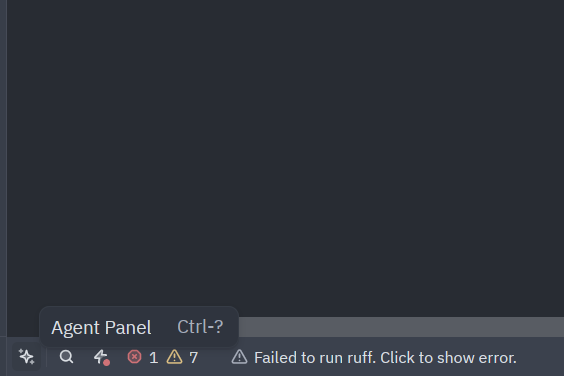
This area lets you choose configure, to use your own AI:
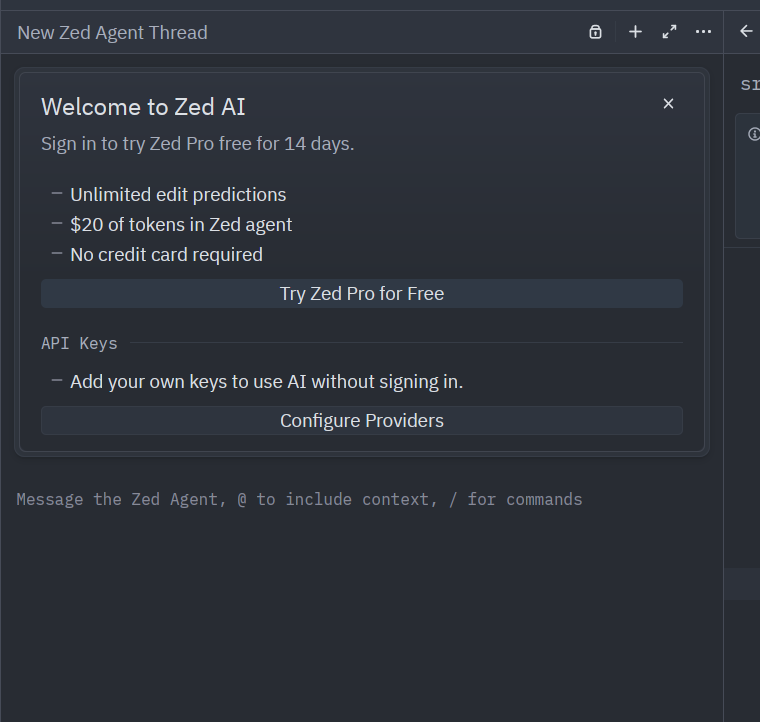
The configuration panel, will need your local Lemonade ai info:
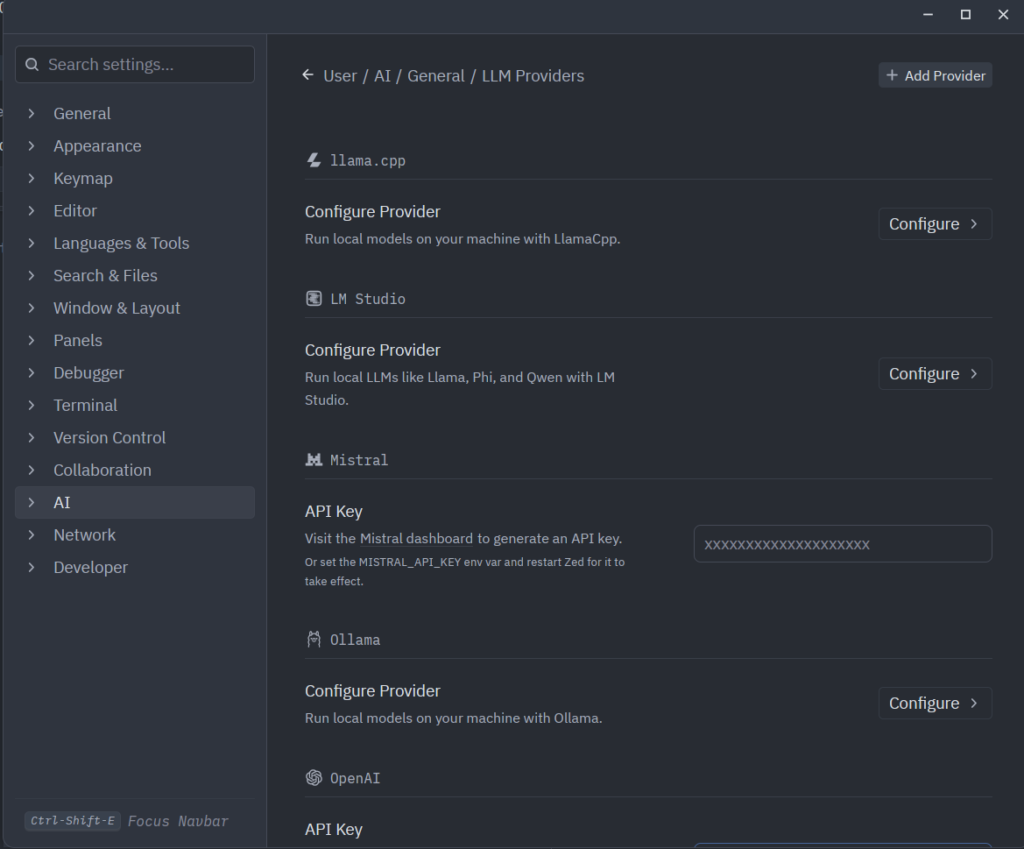
Go to “Add provider” top right, you can use “OpenAI” compatible api and enter:
- API url: http://localhost:13305/v1
- API key: ” ” (there is no api key by default?)
- Name: “gemma4-it-e4b-FLM” (or whatever model you have working in the “active models” within Lemonade running.
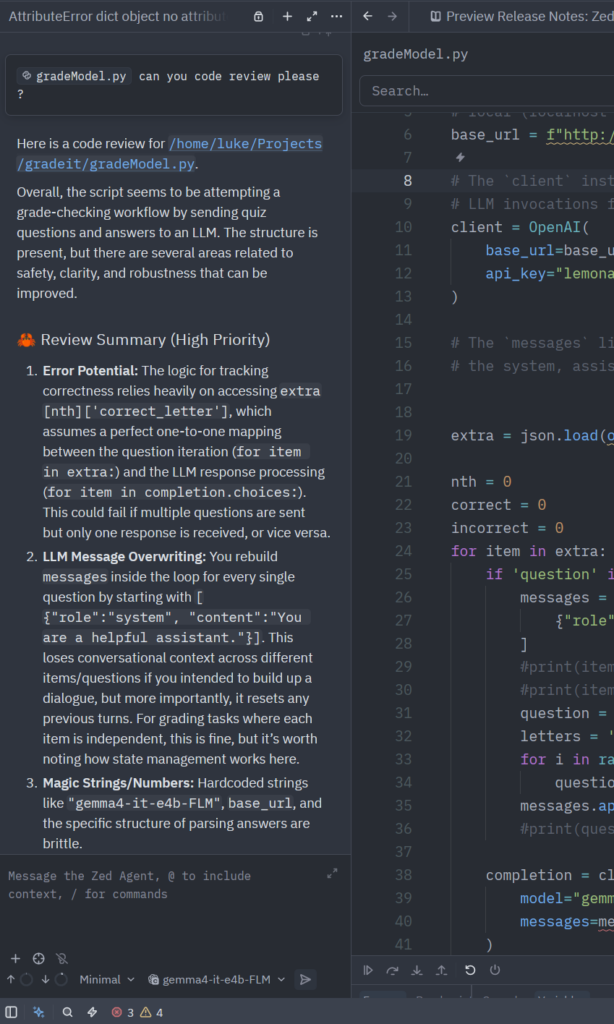
Now you can use the AI features of Zed… for example ask it about a file: For example, use “@” or the dropdown on the far left “+” button to choose context of a file, and ask questions about it:
Troubleshooting
- Make sure you have enough memory and have used a model LLM within Lemonade… There is a bug where selecting and loading a model too large could hard freeze the system and you have to hard reboot and hold power button! Yes, sometimes even 32GB of memory is not enough for some of the larger LLMs.
- If the system seems to hang and not respond, either through any tools or the Lemonade app itself, try this from the terminal before trying reboot… “sudo service lemond restart”.
Practical comparison and conclusion
VS Code seems to use around a gigabyte – or even more, and that seems to be a common problem among users. It is based on Electron, in other words, a giant bloated browser process. Many Electron based applications are much much bigger than they need to be, use much more memory than is necessary!
Zed is very very fast, opens in less than a second, and seems to use 300mb or so. In their development blog they note that they meant it to be built like a video game, not a Chrome addon.
Years ago, when memory was relatively cheaper, and these local developer AI tools were unheard of, either of these options would be reasonable. But today when local AI needs gigabytes of RAM, it may be much more reasonable to use Zed editor. Check it out at Zed.dev.