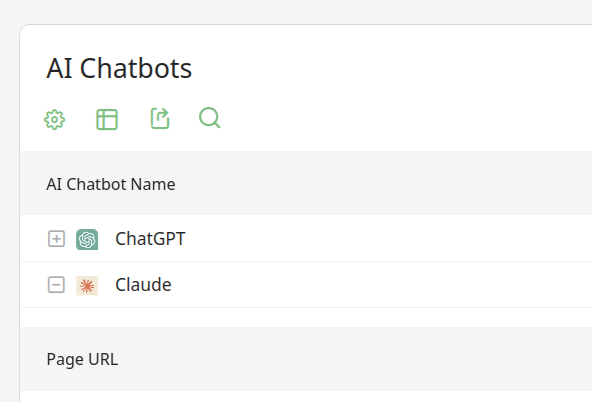
If you’ve used Matomo (formerly Piwik) for user tracking you may know that it’s quite easy to add in the Matomo tracking code to pages or base blade.php templates… but the new AI Insights tab is empty?? And furthermore there is no instruction on how to add it to a Laravel based site which you think would be fairly common:
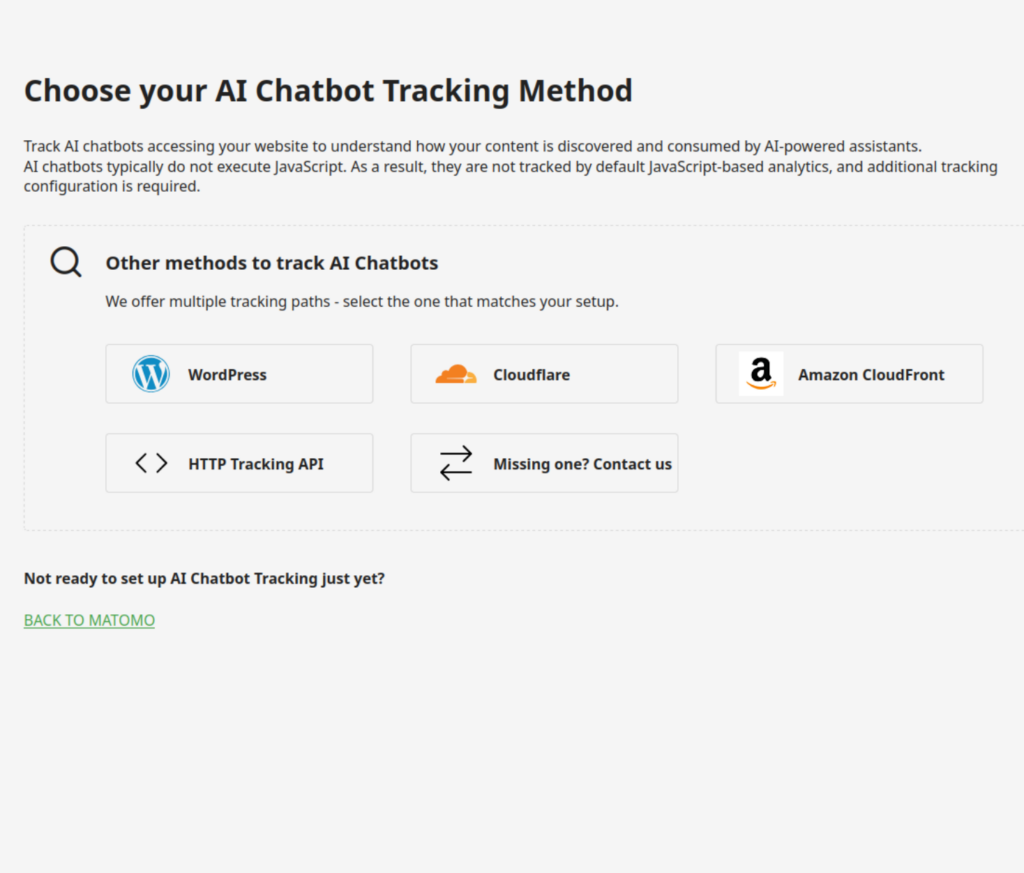
AI Composer Module Makes it Easy
Thankfully Nils made a fairly easy-to-use module that can be included in your project: https://github.com/poldixd/laravel-matomo-ai-bot-tracking
You can add it to your Laravel project with:
composer require poldixd/laravel-matomo-ai-bot-tracking
Add some values to your config/services.php, and your Kernel.php or app.php from the documentation depending on how your project is set up, and your .env file:
MATOMO_AI_BOT_TRACKING_ENABLED=true
MATOMO_TRACKING_URL=https://your.hosted.matomo-baseurl
MATOMO_SITE_ID=(Number, get this from the "idSite=X" part of your dashboard AI-Insights URL)
MATOMO_AI_BOT_TRACKING_SOURCE=laravel
Make sure you “composer install” if you transfer this to a remote server, and within a few days you should see what chatbot/AI agents are pulling from your site!